Call us now: 90613 27222
Email: info@bastaeco.com
How to Compare Solar Quotations in Kannur: A Homeowner Worksheet
Share this post:
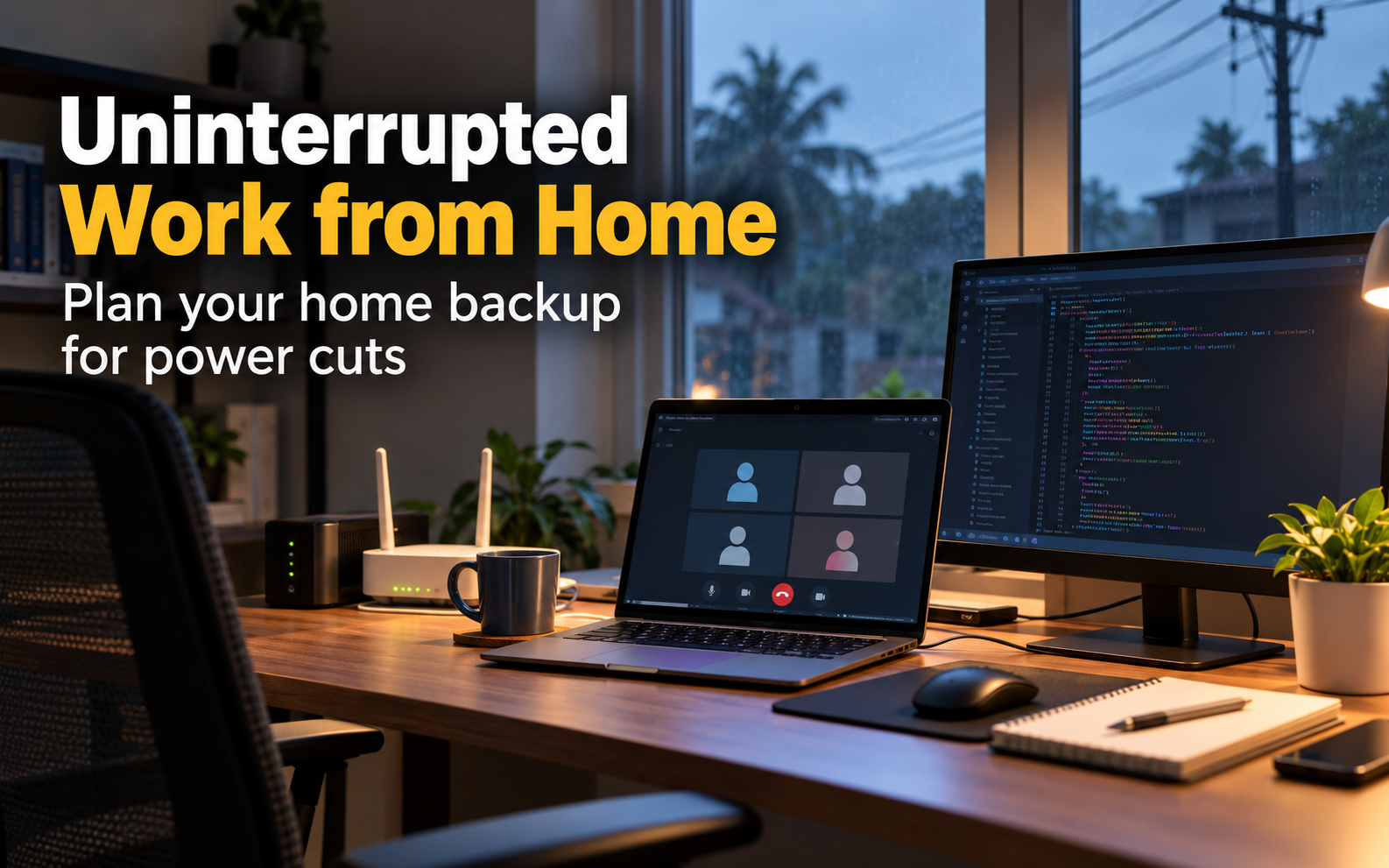
Power Backup for a Home Office in Kannur: Plan Around Your Workday
A power interruption during a video call exposes a weakness that a general household backup plan can miss. The lights may remain on while the internet router restarts, or the laptop may continue working while its external monitor goes dark. For people working from home in Kannur, useful backup starts with the complete work setup and the tasks that need to continue.
Instead of beginning with a battery size or a familiar inverter brand, begin with a description of the interruption you want to manage. Do you need enough time to save a document, finish a meeting, or work through a longer outage? These are different requirements. A practical plan separates them before you compare equipment.
List your main activities during a normal workday. Video meetings, writing, design work, programming, and large file transfers may involve different combinations of devices. Decide which activities must continue immediately and which can pause. You may discover that protecting the network and laptop is more important than keeping every desk accessory running.
Write a specific target, such as completing a scheduled meeting and then saving work safely. Treat any duration you choose as your requirement, not an expected performance claim for a product. Share that target with the installer or supplier. It gives them a clearer basis for recommending an arrangement than a general request for a powerful battery.
Start at the computer and follow the path to the internet connection. Your setup might include a laptop charger, external monitor, router, fibre terminal, network switch, and other devices. Record the model and power information for each item. A device hidden near the entrance may be essential even though it is nowhere near your desk.
Ask your internet provider which equipment at your home needs power and what service continuity can be expected during an area outage. Backing up your own router cannot guarantee that the provider's network remains available. If online access is critical, consider an alternative connection and test it separately. Electrical backup and internet availability solve related but distinct problems.
The backup system must both support the connected load and provide the duration you need. These are different specifications. APC's UPS buying guide distinguishes watts, VA ratings, and runtime, and explains that runtime relates to the equipment attached. Use the relevant manufacturer's load and runtime information for the actual unit you are considering.
Do not choose from a large VA number alone. Ask the supplier to show the permitted output in watts and explain how your devices fit within it. Then ask for the expected duration at your proposed load. A clear answer should identify the assumptions, including battery condition and operating settings, rather than presenting one runtime figure as valid for every possible setup.
Create a row for each essential device, with columns for operating power, expected hours, and whether it must stay on continuously. Manufacturer labels can help identify ratings, but rated maximum input is not necessarily the same as normal consumption. Ask for suitable measurements or professional assistance where precise sizing matters.
For an arithmetic example, imagine a desk setup averaging 120 watts for three hours. The equipment would require 360 watt-hours of delivered energy during that period. This is a hypothetical workload, not a typical home office figure. Battery sizing must also account for conversion losses, permitted discharge, reserve, and the manufacturer's limits. The worksheet is a starting point for design, not a direct instruction to purchase a 360 watt-hour battery.
Divide your list into essential, useful, and optional items. Essential might include the computer and network connection. A second display or desk light could be useful, while a printer may be optional during an interruption. Your categories will depend on your work, so do not copy another household's priorities without considering the tasks involved.
This exercise often improves the plan more than immediately increasing battery size. A modest, clearly defined load is easier to support and test than an undefined collection of appliances. Tell other household members which outlets or circuits are intended for work equipment. The installation should be designed and labelled by an appropriate professional so everyday use matches the agreed scope.
A system that supplies power for several hours may still allow a brief interruption during changeover. Some equipment may tolerate that, while other devices can restart. Ask the supplier about transfer behaviour and compatibility with your actual electronics. Where uninterrupted operation matters, have that requirement recorded rather than assuming any inverter arrangement will meet it.
During commissioning, arrange a supervised demonstration using a safe procedure specified by the installer. Observe the computer, display, router, and any essential network equipment. Does a meeting continue? Does the internet connection re-establish itself slowly? Record what happens. A practical test of the complete setup can reveal a missing device or unsuitable connection that individual specification sheets would not show.
If you are considering a separate inverter and battery, ask for written confirmation of compatibility. Relevant requirements can include operating voltage, charging settings, supported battery type, communication, current limits, and protection arrangements. The installer should establish these for the exact models supplied.
Do not assume that choosing LFP chemistry automatically settles compatibility or guarantees a particular service life. Request the manufacturer's operating and warranty conditions. If an existing battery or inverter will be reused, provide its exact model and condition for assessment. An upgrade is a system change, and a component that works well in one arrangement may not be suitable in another.
Think about access, ventilation requirements, cable routes, and the manufacturer's environmental limits before deciding where equipment will sit. Avoid treating a spare cupboard or space beneath the desk as automatically suitable. Ask the installer to confirm the proposed location and keep access clear for inspection and service.
Also consider practical interruptions. Will furniture be moved when the room is cleaned? Can someone accidentally disconnect a critical adapter? Are labels visible to a family member who needs to help? A thoughtful arrangement reduces avoidable problems. The goal is a setup that remains understandable after the installer leaves, rather than one that works only when its designer is present.
After the battery has supported an outage, it needs time and suitable conditions to recharge. Ask how long recovery takes under the recommended settings and whether your normal pattern of interruptions changes the design requirement. A runtime estimate that assumes a fully charged battery may not describe a second outage soon after the first.
If solar is part of the proposal, ask how charging and load supply operate in the particular configuration. Request an explanation for cloudy conditions, overnight use, and reserve settings. Avoid assuming that adding panels makes backup unlimited. The supplier should connect the proposed generation and storage arrangement with the work hours and continuity target you have already documented.
Write down the essential outlets, expected supported equipment, normal indicators, and service contact. Include the approved response to a warning, using the supplied manual. Keep the note somewhere accessible and make sure other regular users understand it. You should not need to interpret unfamiliar symbols during an important call.
Plan a sensible review after major changes to the desk setup. A larger workstation, additional display, or new network equipment can alter the load. Follow the manufacturer's maintenance guidance and ask about battery health checks. Regularly saving work and maintaining appropriate data backups remain useful, because electrical continuity alone does not protect against every cause of lost work.
When seeking advice, provide the device list, continuity target, required duration, existing equipment, and a description of the room. Ask the supplier to identify exactly what is included and how performance will be demonstrated. Keep the expected load beside any quoted runtime so you can compare different proposals fairly.
For enquiries about LFP batteries and home backup in Kannur, contact Basta Eco with your completed worksheet. A dependable home office plan begins with the work that must continue and builds the equipment choice around that requirement. Clear priorities make it easier to discuss capacity, compatibility, installation, and support without buying from a headline number alone.
New AC Installation Checklist: What to Check Before the Technician Leaves
 December 24, 2026
December 21, 2026
December 18, 2026